
X-Money: All your money moves
See where your money actually goes.
Log spending by typing or speaking, keep every month on budget, and track your bills, loans and savings goals in one calm place.
4.7 from 1,900+ ratings on the App Store and Google Play
What it does
Everything you need,
nothing you don’t.
X-Money keeps the job small: write down what you spend, then see what it adds up to.

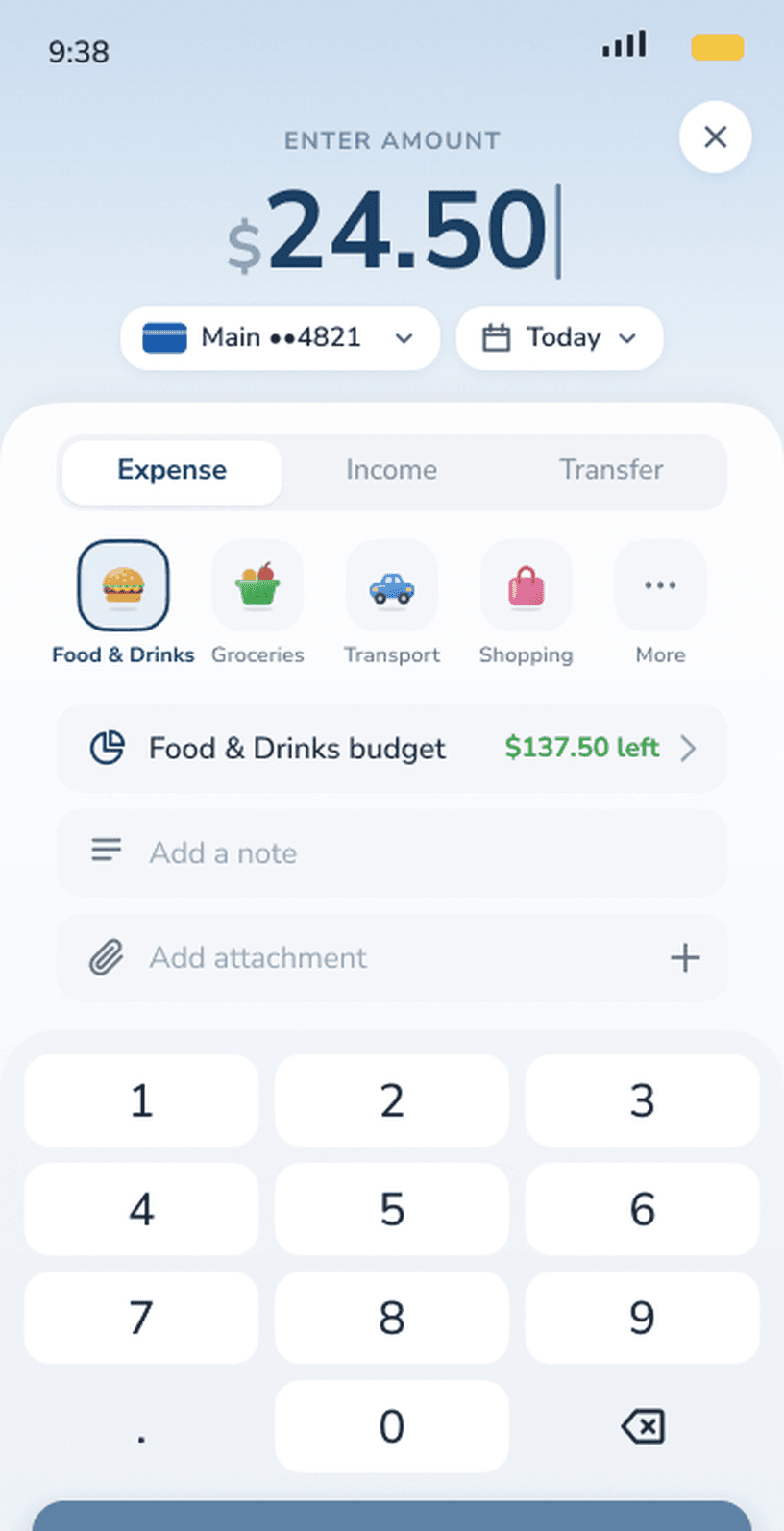
Log it in seconds
Tap in an amount or just say it, like “coffee 5 dollars”. Done in seconds.

See where it goes
Clear insights by month and category, so you see what changed and why.

Stay on budget
One monthly budget split by category, with a bar that warns you before you overspend.

Debts & goals
Get a plan to pay off loans early and save toward goals, a little each month.
A closer look
Built for the way you
actually spend.

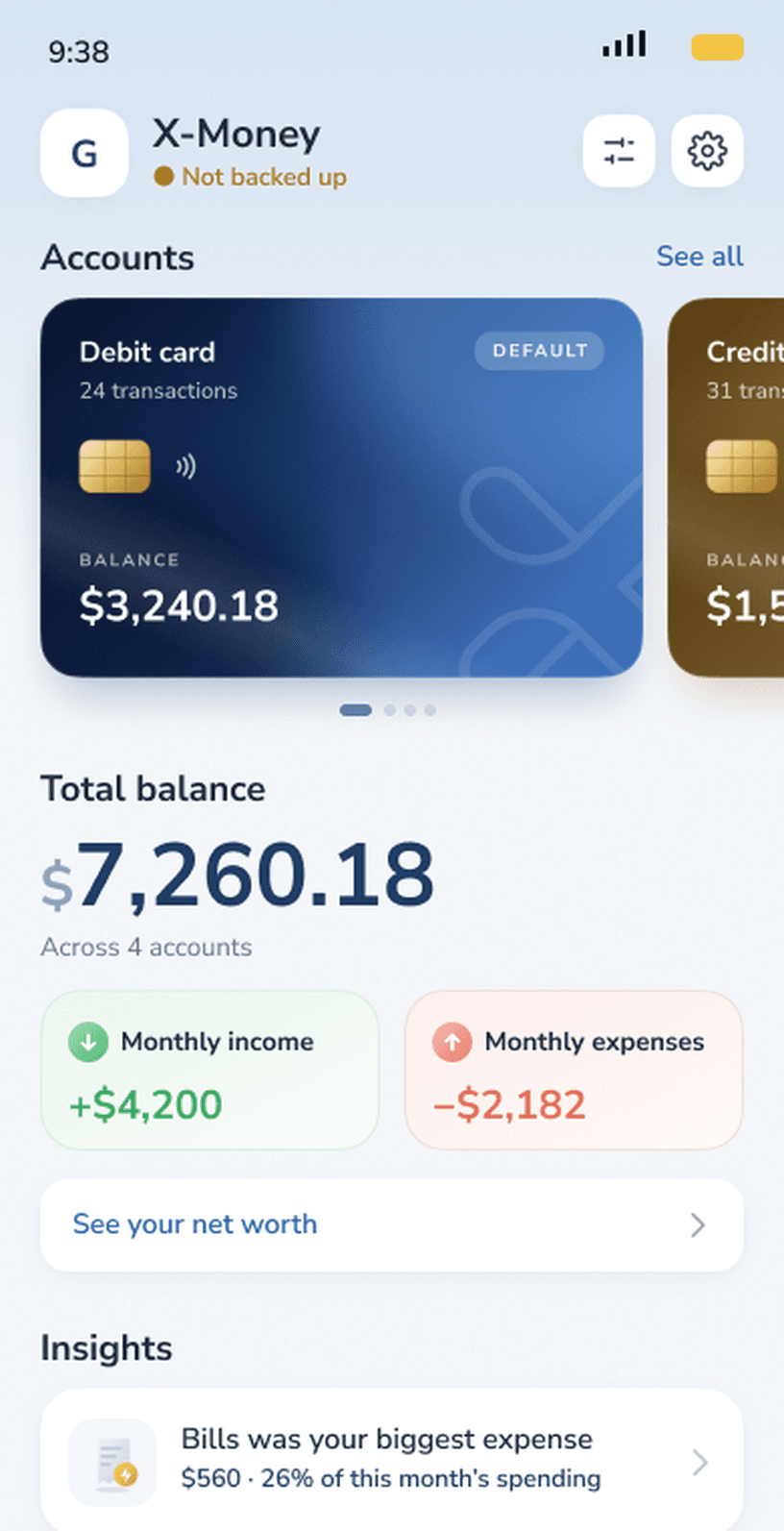
 Monthly income
 Monthly expenses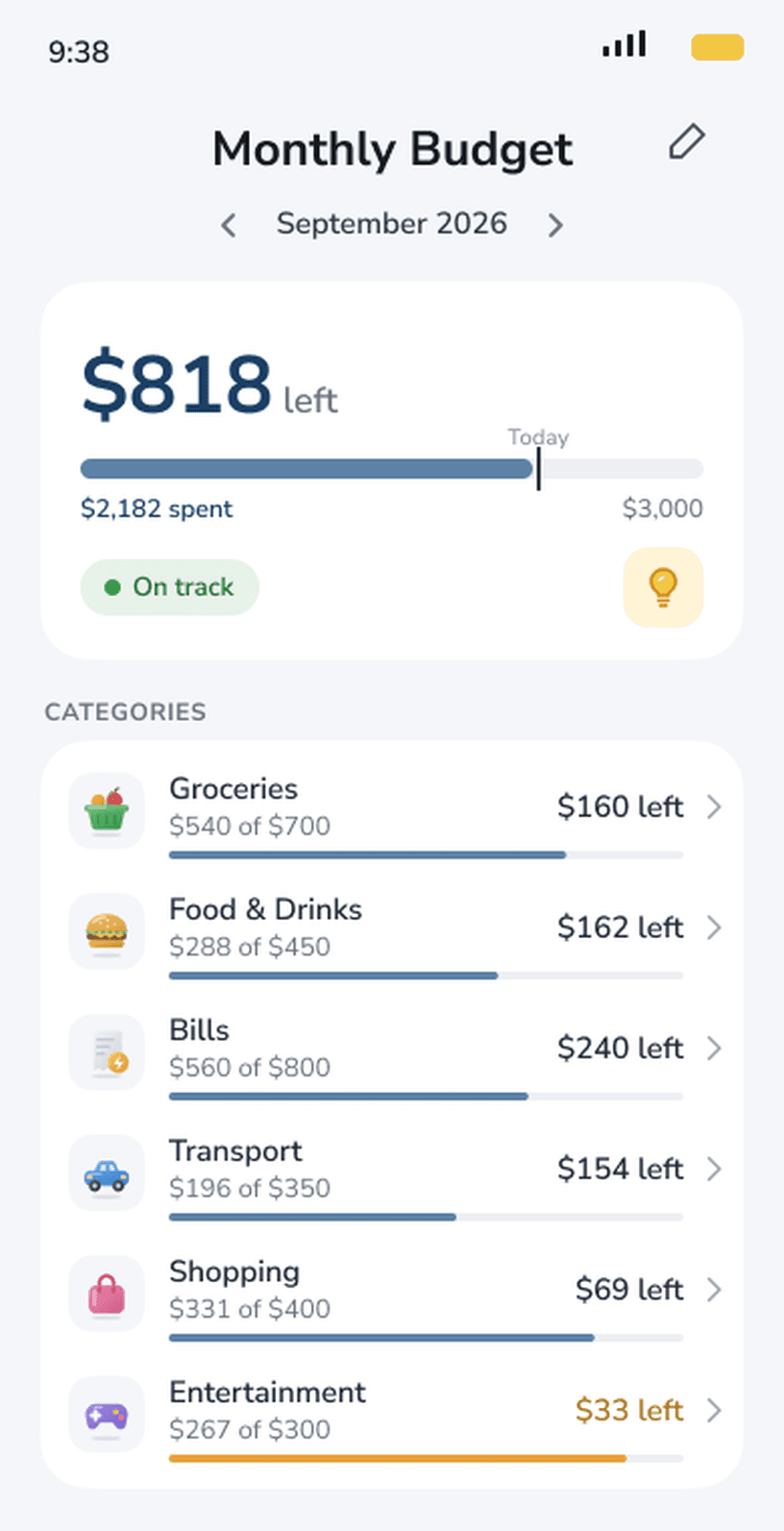
Why X-Money
Not another finance dashboard.
Most money apps ask you to connect a bank, set up categories and read a guide before anything happens. X-Money starts with one button: add what you just spent. Charts and budgets build up from there, so you see real patterns after a week instead of a setup screen on day one.
Reviews
What people say.
★★★★★
“I’m 60 years old and this app helps me to take note everyday. Thank a lot!”
Haithuyx49App Store, Vietnam ★★★★★
“I think this app comes as a financial companion. Like a smart Money advisory.”
SETTS UgandaGoogle Play ★★★★★
“this app gives you amazing way to control your capital ✨️”
M FGoogle Play
FAQ
Questions, answered.
Do I need an account?
No. Open the app and add your first expense. There is no sign-up or email required.
Is X-Money free?
Yes, X-Money is free to download and use. An optional Premium upgrade unlocks extra features.
Can I add expenses by voice?
Yes. Hold the mic button and say what you spent, for example “coffee 5 dollars”.
Which phones does it work on?
X-Money is on the App Store for iPhone and on Google Play for Android phones.

Start seeing where
your money goes.
Rated 4.7 on the App Store and Google Play.
More from Davaco
See all apps XPhonetics
 XCam
XCam Blur It
 XGames
 Xie Chinese
 Floral Diary
 XLoan
XLoanStay in the loop
Hear about the next app first.
A few emails a year, when we ship something. Unsubscribe any time.